Today, I have something really interesting to show you. Some time ago, I received two tablets from a donor. The first was a relatively modern Surface 3, which I have written about. The second was a ThinkPad tablet.
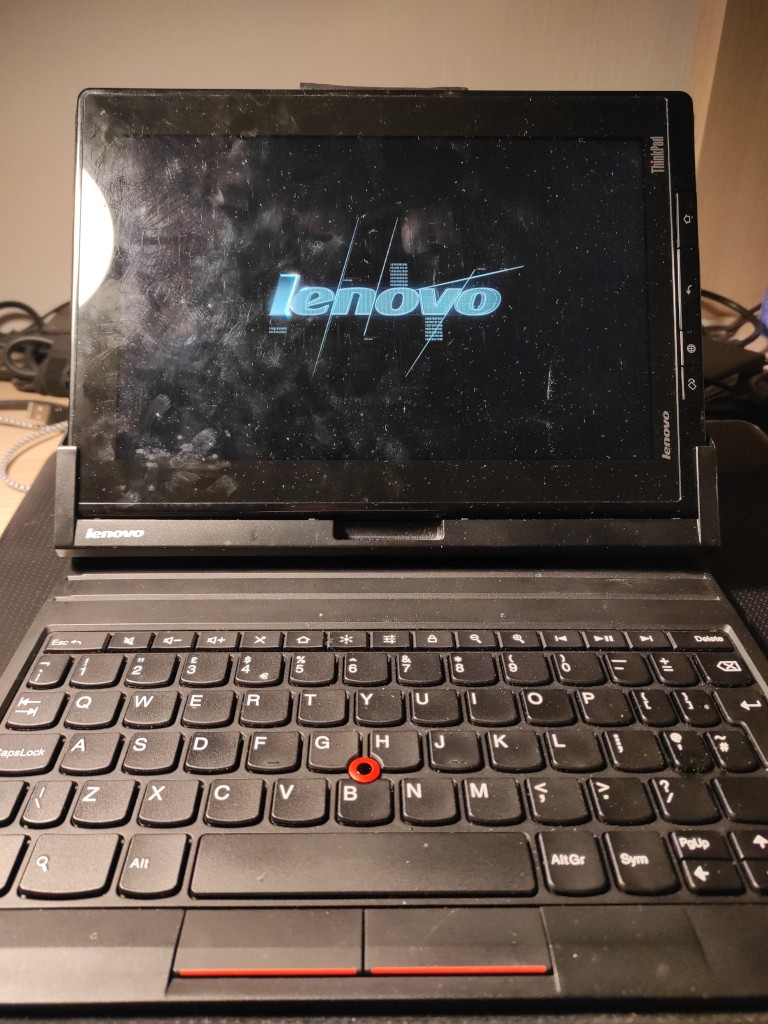
It stayed on my table for a little longer than the Surface. It needed more care as the battery was almost dead and I was struggling to even boot it up.
So I had to take it apart and disconnect the battery. I short-circuited the input to fully discharge everything. Then I tried to simulate the battery using a laboratory power supply to at least prove that the rest of the tablet was working. This went fine; the tablet booted and worked well. The second step was to try to make it work without the battery. I thought it would work a bit like a mobile phone, which refuses to boot without a battery or with a dead battery. However, I was wrong. The problem I had with normal booting on a Micro USB charger was different. The tablet needs a relatively high current, but the charger I was testing only supplied 1A.
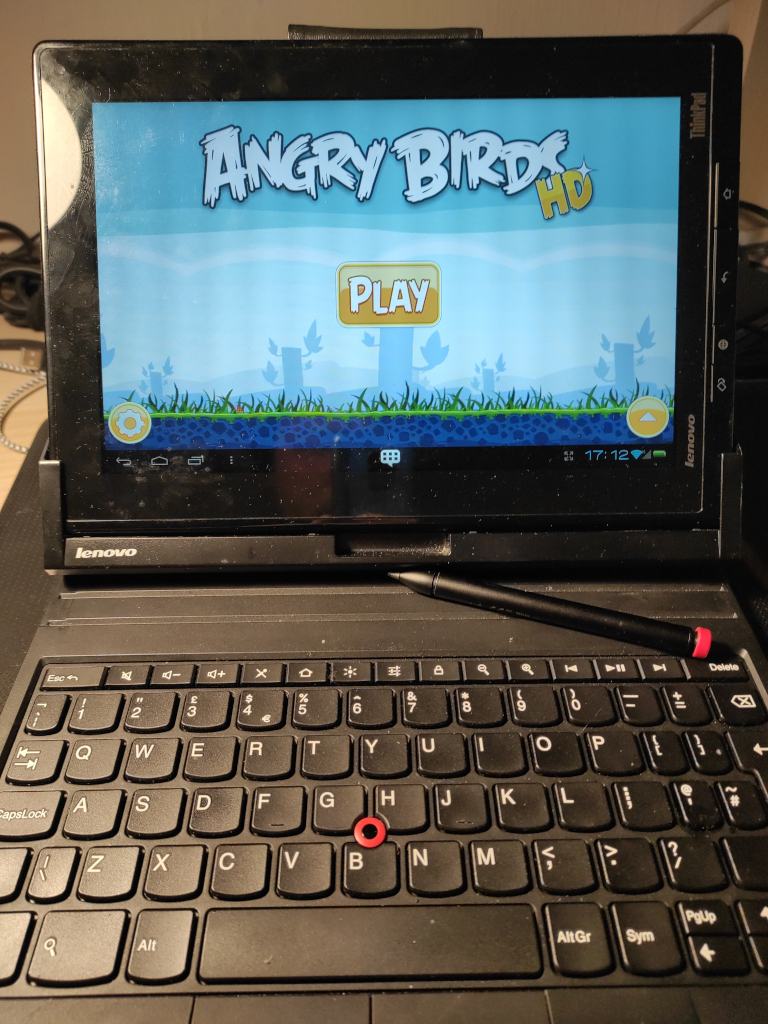
After finding a better power supply, the tablet booted up even with the problematic battery. That was the first success.
I have just tried some apps to confirm that everything is working as it should. It comes with some preinstalled software that I will talk about. I briefly turned on Angry Birds and tried the touchscreen, swipes, etc. Everything seemed fine, so I turned it off again.
I wanted to try resurrecting the battery now. After trying different currents and voltages, I was able to measure a significant voltage on the battery. However, this process took hours and the battery was still not in good condition. At least, though, there was some voltage (around 3.5 V). I then decided to put it back and try charging it the regular way.
Even after that, the battery was still showing 0% charge. I left it on the charger for a couple of hours and finally saw something other than 0% charge. I think it was around 10%. After experimenting with my USB charging analyser and charging the tablet both on and off, and after a couple of days of charging attempts, I was finally able to make some real progress. The battery reached 100% charge and, after leaving the tablet switched on but disconnected, it was able to survive a day on battery with only a 7% drop.
I have carried out some more charging and discharging cycles, and the battery now appears to be in relatively good condition, which is better than I had hoped for. It works really well now. The only bad thing is that it takes a very long time to charge. However, this is a common issue with this device, based on the information I have found online.
So, I have finally started to discover what the device is really capable of. It comes with a built-in stylus that is powered by a AAAA battery.
I really like that. Tablets with active styluses. They also come with a preinstalled note-taking app. It allows users to create 'books' of notes and seems really useful. There's nothing overly complicated about it; it just offers a few colours of "ink", the option to adjust the strength of the stroke and an eraser. The stylus can also detect pressure, and you can adjust the "base" of the stroke in the settings. The screen responds very well and writing is completely smooth.
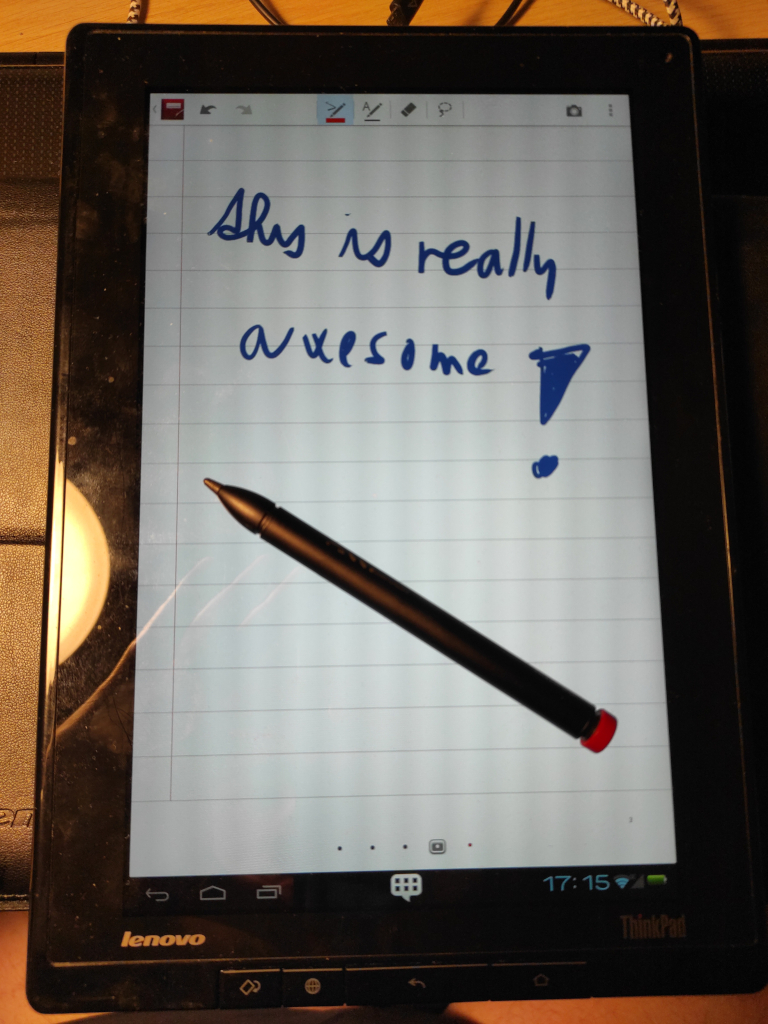
The screen resolution is also quite good. At 10.1 inches, the resolution of 1280 x 800 is more than enough for me. It is also really impressive for such an old device.
It originally came with Android 3.1, but mine has been upgraded to Android 4.0. While this is also quite old, it is still supported to a greater extent. Another impressive feature is the Nvidia logo that appears when the device boots up. After some research, I discovered that the tablet has an NVIDIA Tegra 2 processor running at 1 GHz and 1 GB of RAM, which is impressive for a device of this age.
I tried out the Android, which seems to be quite well optimised, with some added configurations and functions.
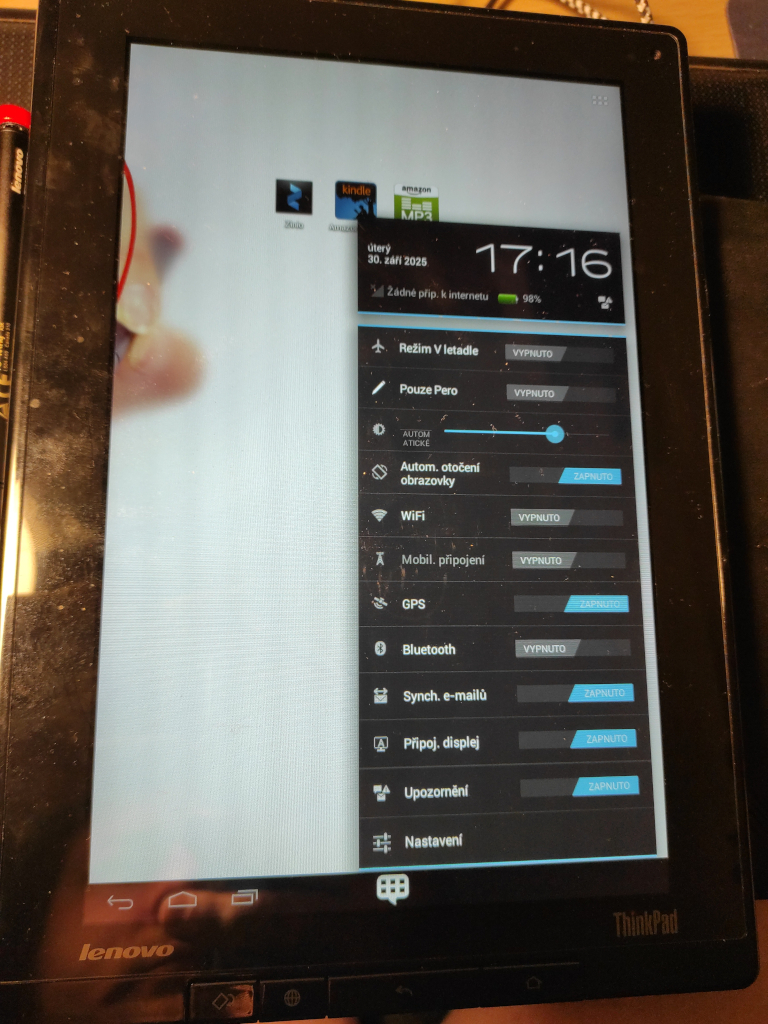
The "fast settings" pop-up contains additional switches for features such as "email sync", "connected displays" and "notifications". This was not so common in Android 4.
The touchscreen switch is also very interesting. It toggles the ability to control the screen with just the stylus and completely ignore touches with your hand. The tablet fully supports palm rejection, which automatically ignores touches when writing with a stylus. This works really well. However, the option to completely turn off hand touches can sometimes be useful, and I like having that option.
The device I got also comes with a docking keyboard. The first thing I noticed was how it connects. The keyboard has a large USB-A male connector that connects to the tablet's USB port and attaches the device to the 'cover'. The cover is manufactured in a smart way, as it covers all the necessary parts while keeping all the slots, such as the HDMI port, the charger port and the jack port, well accessible. There is even spare space for cases with thicker connectors or cables connected to the ports.
The stylus hole is also accessible, although taking the stylus out is a bit trickier.
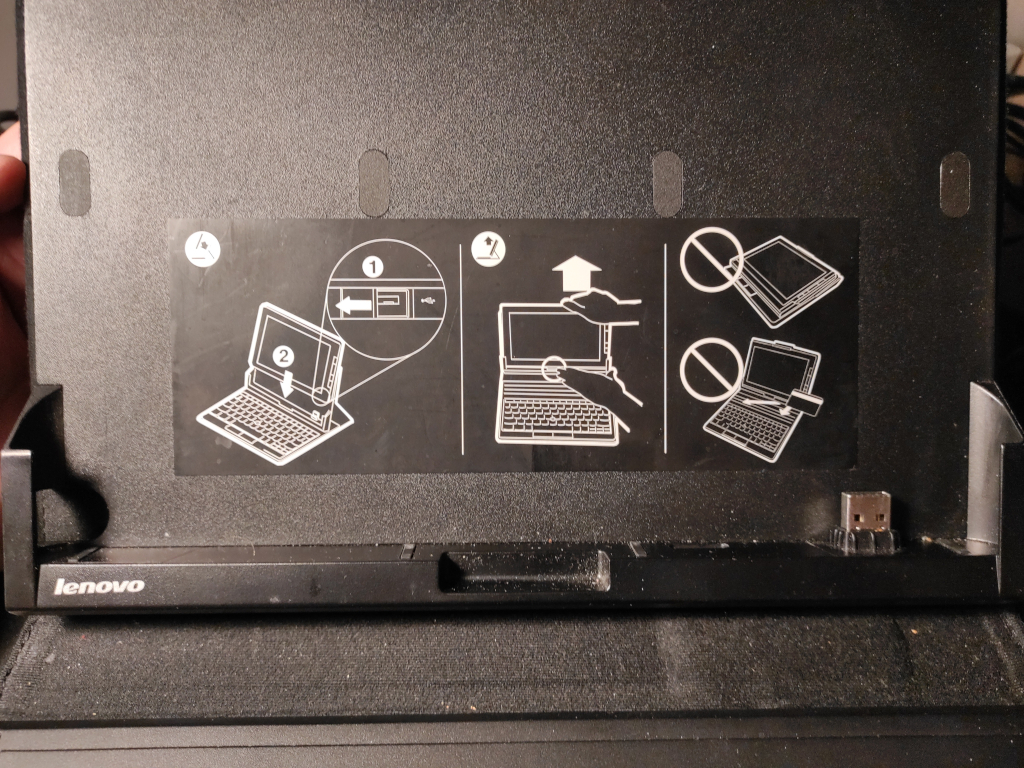
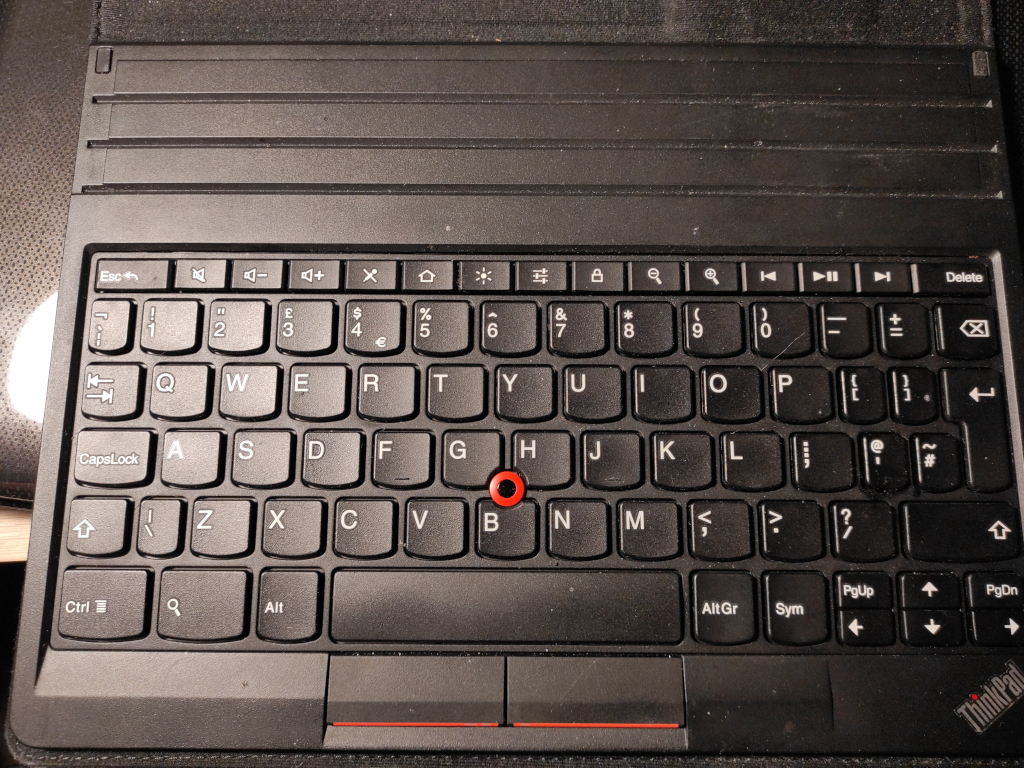
The keyboard also features the familiar ThinkPad trackpoint. I have not yet tried any apps where the keyboard would be useful, so I do not have any relevant experience with this device. However, I generally do not like the behaviour of the hardware keyboard under Android.
As far as I can remember, most of the most-used combinations do not work. For example, the basic ALT+TAB or CTRL+C, CTRL+V combinations. However, I might give this device a try to prove myself wrong, as Android seems to have been modified to suit this device — maybe Lenovo has even solved these issues.
There are also a few hardware buttons at the bottom of the base device's screen. Alongside the standard 'Back' and 'Home' buttons, there is also an 'Internet' button that opens the default browser directly. I don't find this particularly useful. There is also a button labelled 'Rotating Screen'. At first, I thought it was for manually rotating the screen, which seemed strange as the tablet comes with an accelerometer. When I tried it, it normally changed the screen rotation based on the position of the device. I tried the button and was pleasantly surprised to find that it is a "rotation lock", which is also a really useful function. Honestly, 99% of the time I have automatic rotation turned on for all my phones and other devices, but sometimes you really need to lock it and having a dedicated button is great.
Overall, I really like the device and all its functions. It's a pity that it's stuck on Android 4, as I can't run the software I need to use it as a note-taking device. I write notes on all my devices using Xournal++ and have connected them to my private VPN and synced them with my home server using Syncthing. Unfortunately, this software is not compatible with such an old version of Android, so I can't really use it. It's a shame because the device is really good and I think it would be very useful even with that old hardware if it supported a more recent version of Android.
Unfortunately, there's nothing that can be done about that. The only option for newer Androids was an old version of Lineage/Cyanogen, which could only run Android 4.1. Even that wouldn't work with current software.
It's a pity that I can't use it as my daily driver, but it's a really nice piece of hardware for my collection and I'll really like it.

Jan "Jenkings" Škoda - blog
Simplifying IT, Amplifying Knowledge